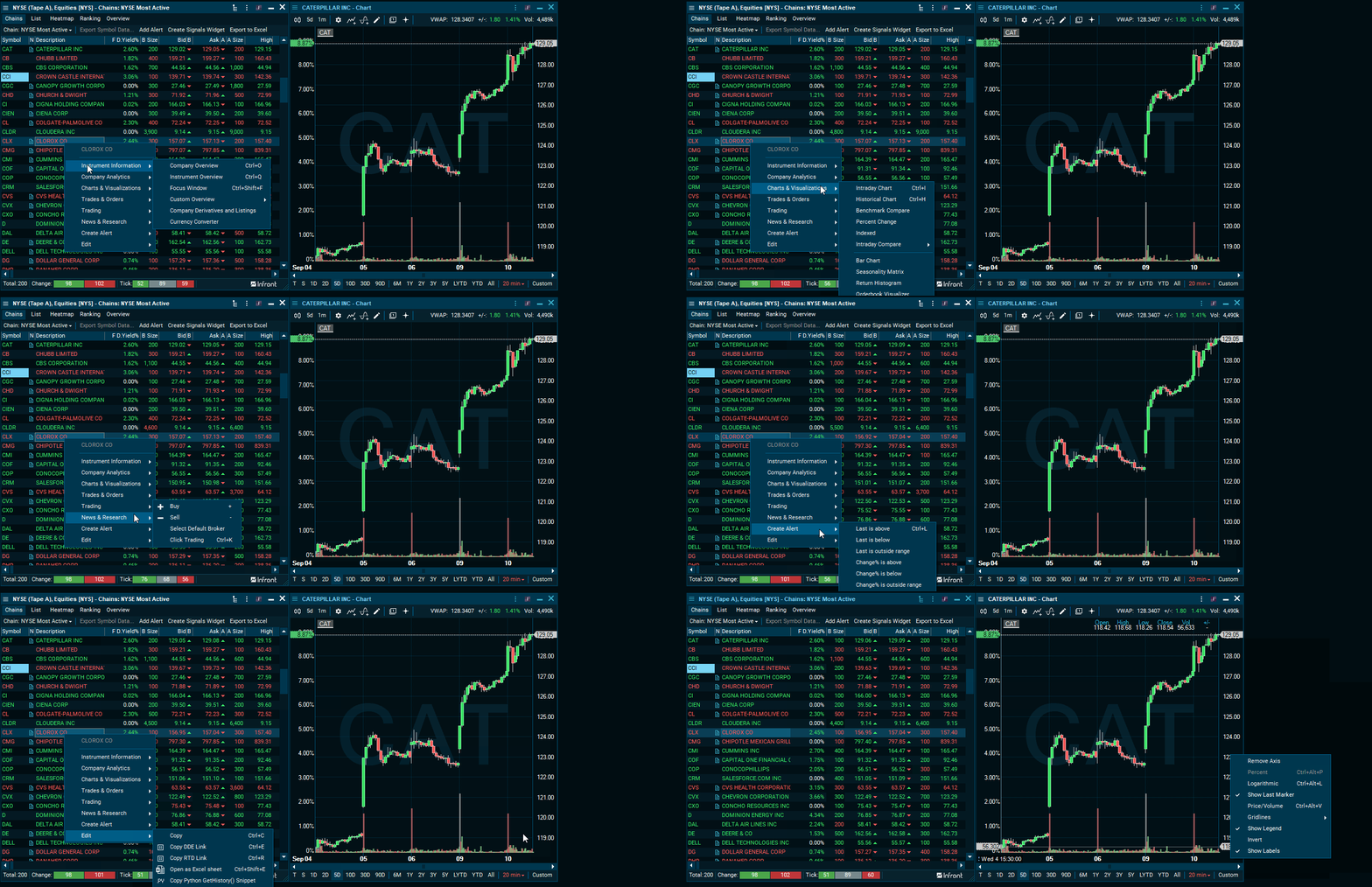
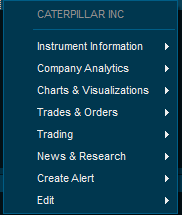
Right-click any symbol to access the menu options for the given symbol. For example, right-clicking the ticker "CAT" opens the following menu.
If you right-click a particular feature, you get a menu allowing you to change settings or make changes to it. For example, you can right-click the y-axis of a chart to open a menu.
It's also possible to right-click any window in the Infront Professional Terminal to access the different options.