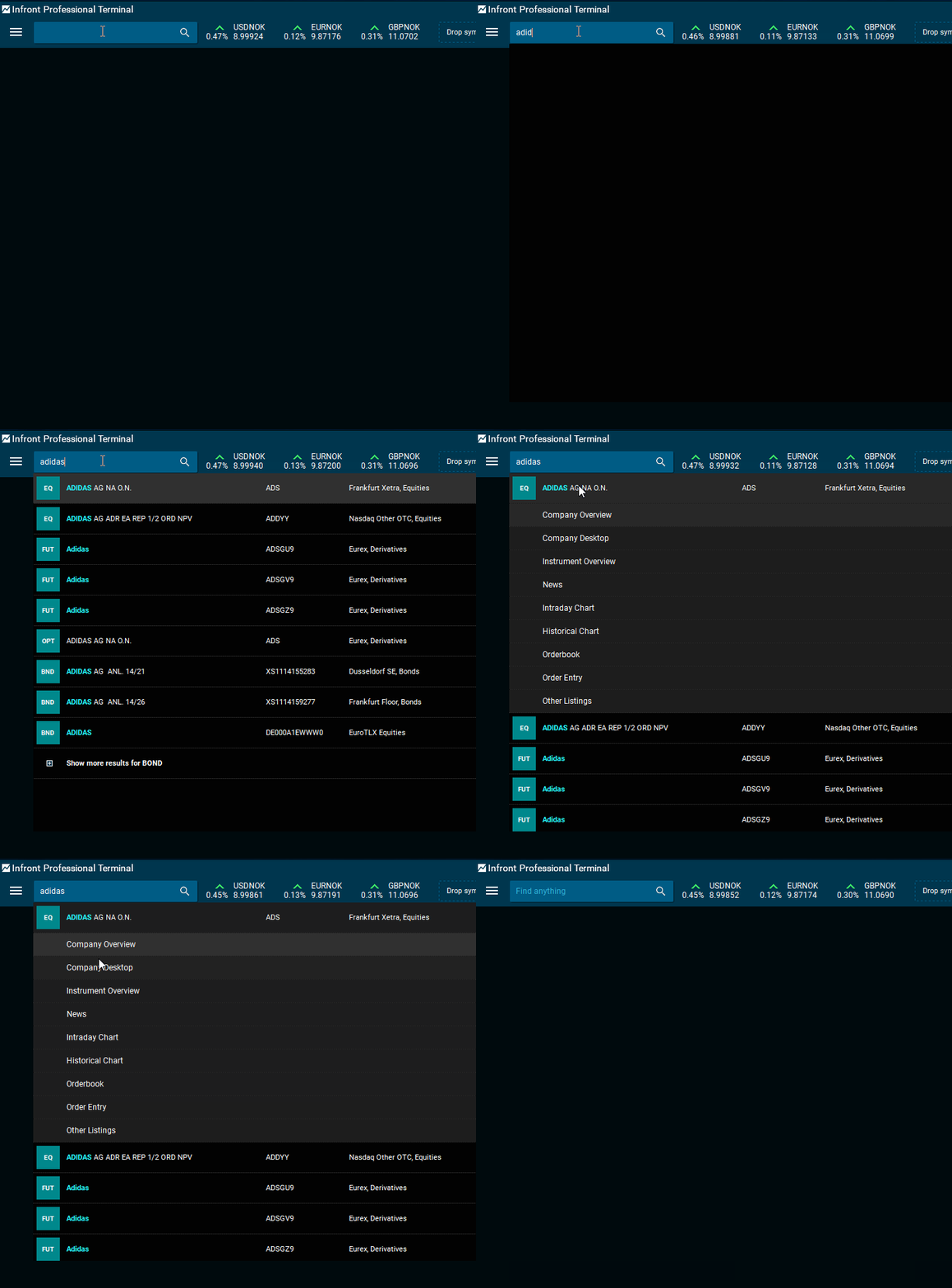
Easy search
You can search for instruments (<CTRL>+<F>) by typing in any of the following details of an asset:
-
Ticker code
-
ISIN
-
Company name
-
Descriptive name
The powerful search functionality ranks the search to display the most relevant results.
When selecting an instrument from the search results, a submenu will show up, giving you more options about what you would like to open.
Commands
You can also execute commands from the search field.
Example
Type "histchart" and press <ENTER>. Start typing to find the instrument for which you want display the historical chart. There are many more commands you can use.

Learning the keyboard shortcuts for your favorite commands will let you find information even faster. For more information, see chapter Keyboard shortcuts.
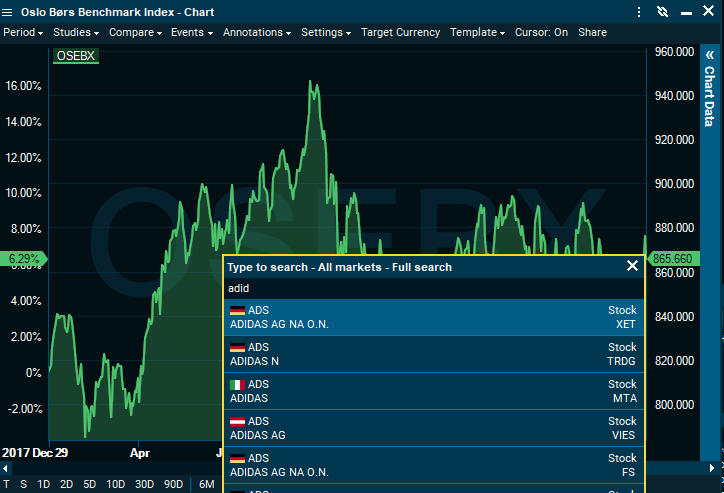
Search in specific windows
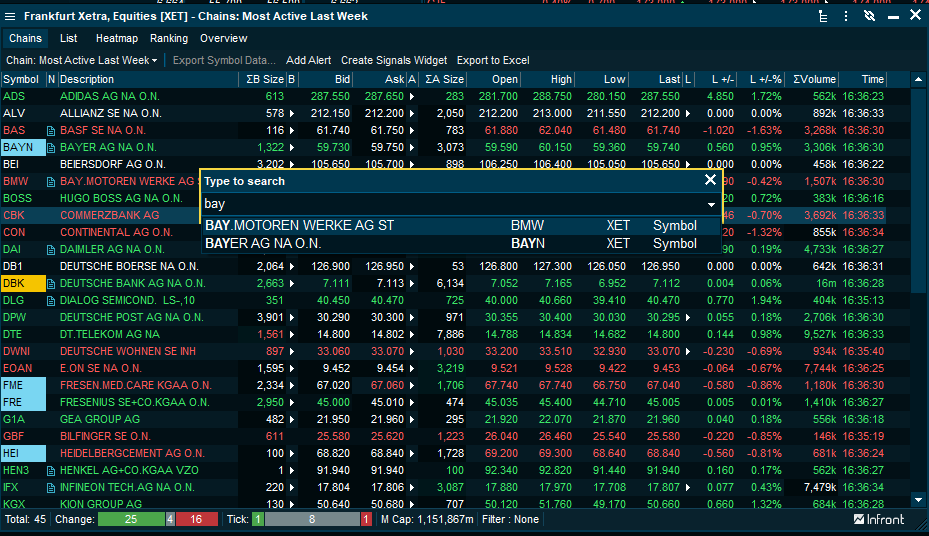
Search directly in a chart, watchlist, orderbook or market window. Just start typing to perform the search on the list of symbols in an automatically prompted search window.
For example, you can search in a "Market" window.
Or you can search directly in a chart.