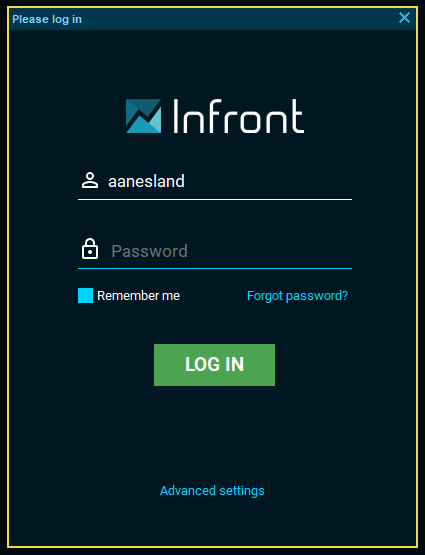
To log into Infront Professional Terminal, you need credentials (username + password). This information is sent to you, either by your broker or by Infront, depending on which terminal you have.
How to log in to the Infront Professional Terminal
-
Download Infront Professional Terminal from our website.
-
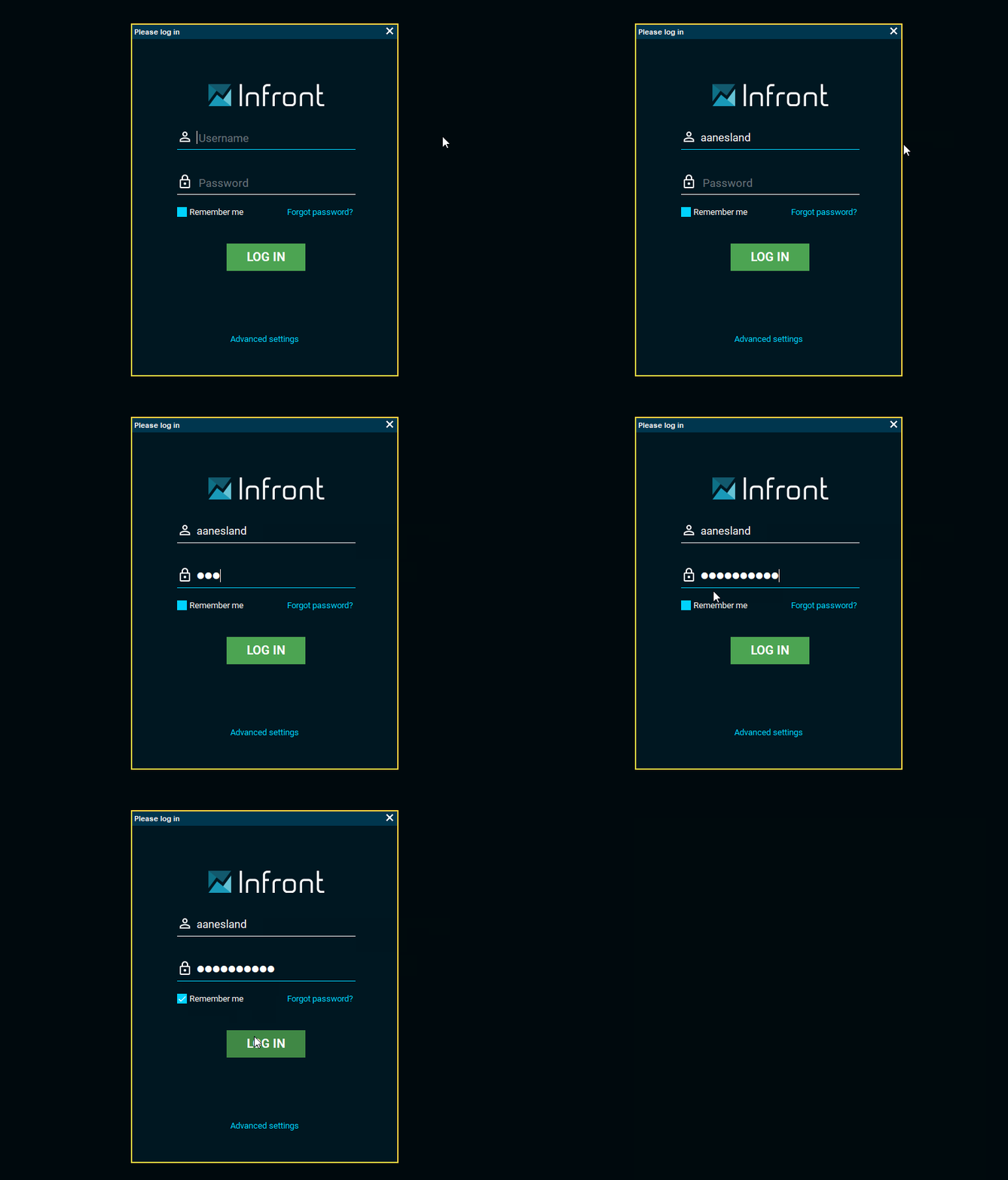
Once the terminal opens, a login window will appear.
-
Type in your login credentials and click the "Log in" button.
-
To avoid entering login credentials every time you log in, select the "Remember me" checkbox.
How to change password
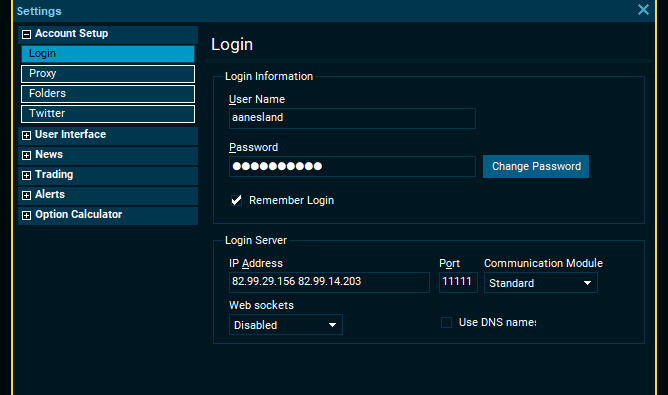
To change your password, go to "Advanced settings" > select "Account Setup" > select "Login" > click the "Change Password" button.
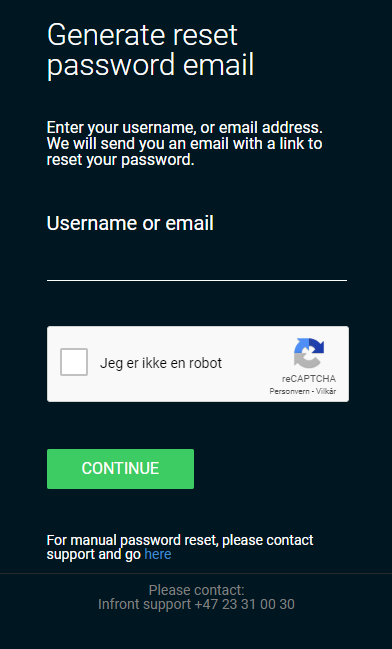
If you don't remember your password, you can click "Forgot password?", which you can find in the login window. Next, a new browser will appear where you can type in your username or e-mail. Once you have entered the necessary information, you will receive an e-mail, which contains instructions explaining how to generate a new password.