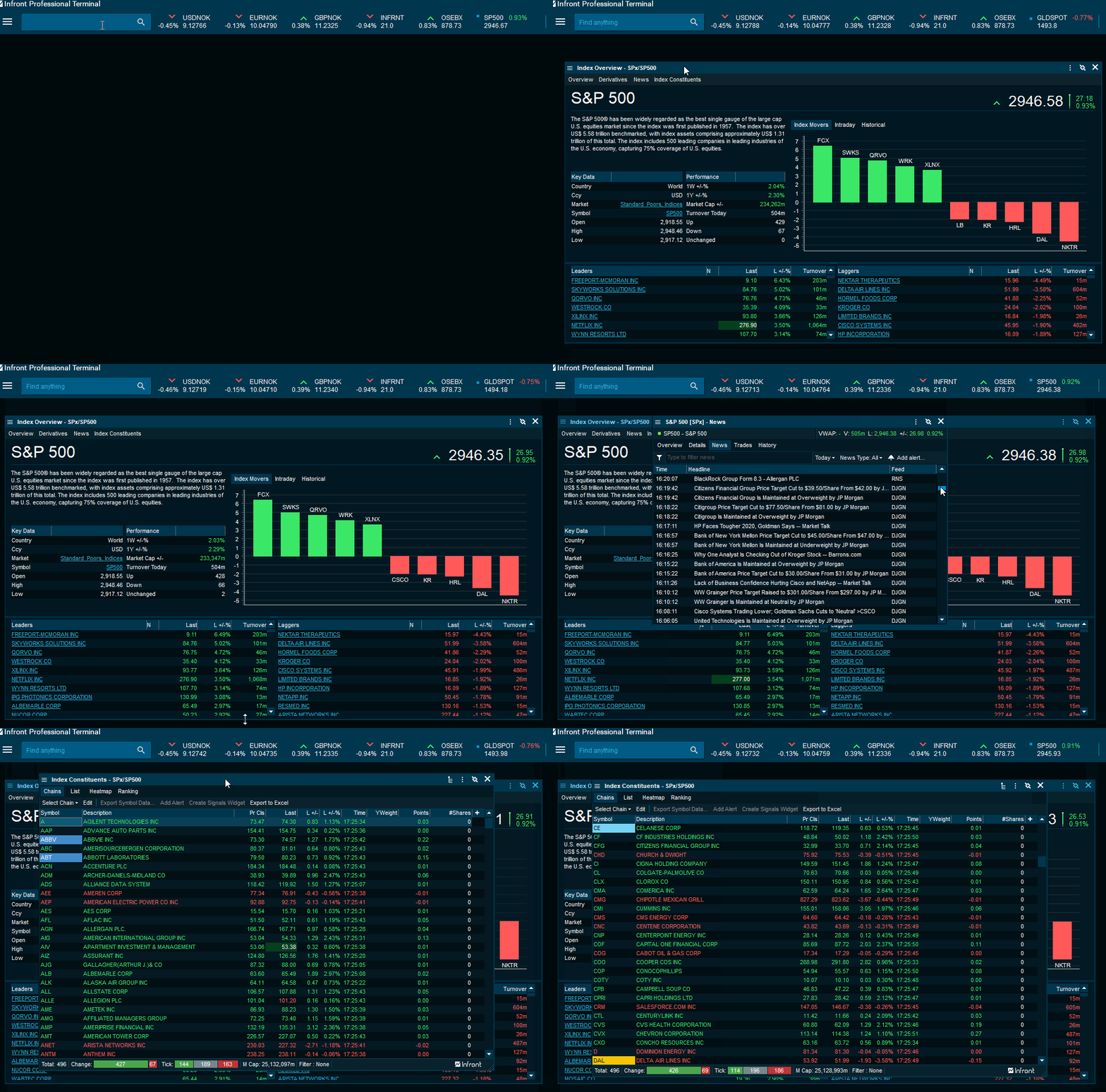
How to open an Index Overview Window
-
Type in the index in "Find anything" field > select the relevant index > "Index Overview".
-
Right-click in the "Instrument Overview" window > select "Instrument Information" > "Index Overview".
-
Use the <CTRL>+<O> shortcut on your keyboard.
What is an "Index Overview" window
The "Index Overview" window displays a lot of content in a relatively small window, separated by tabs. The window gives a full overview of the specific index and allows users to stay up to date.
|
Element |
Description |
|---|---|
|
Overview |
Displays summarized information regarding the index, key data and performance, index movers as well as intraday and historical chart. In addition, it contains the leaders and laggers of the index. |
|
Derivatives |
Displays associated derivatives markets. |
|
News |
Displays news for the companies in the selected index. Filter out news headlines and add alerts to get notified when certain headlines are published. |
|
Index Constituents |
Display all of the companies in the index. Here you can easily customize the window by adding preferable columns. |