
How to access
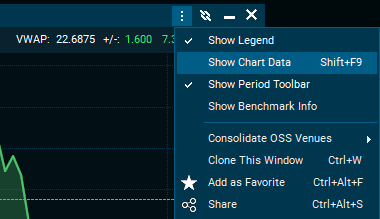
Chart data can be opened from the "Chart" window by selecting the "⋮" menu > "Show Chart Data" (<SHIFT>+<F9>). A blue sideline called "Chart Data" will populate on the right hand side of the chart. Click the extension arrows on the sidebar to open the chart data.
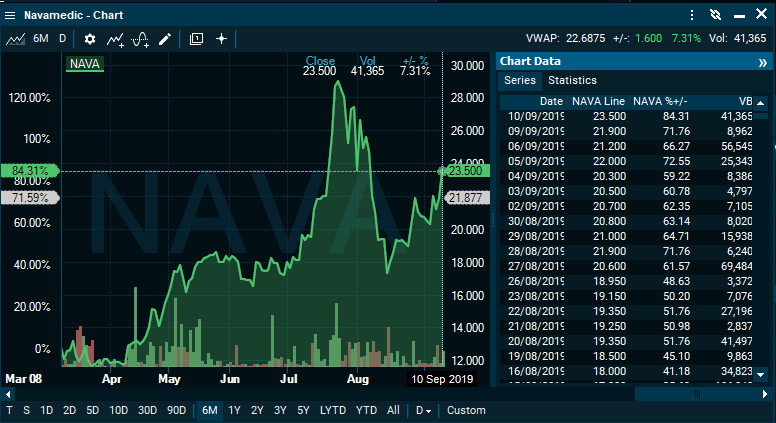
The chart data includes all indicators displayed in the chart.
How to export chart data
Chart data can also be copied or directly saved as a text file. This can be done by right-clicking the data > "Copy" / "Save to file".