
User login
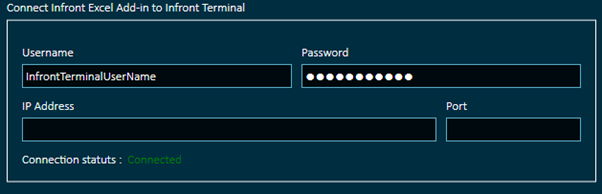
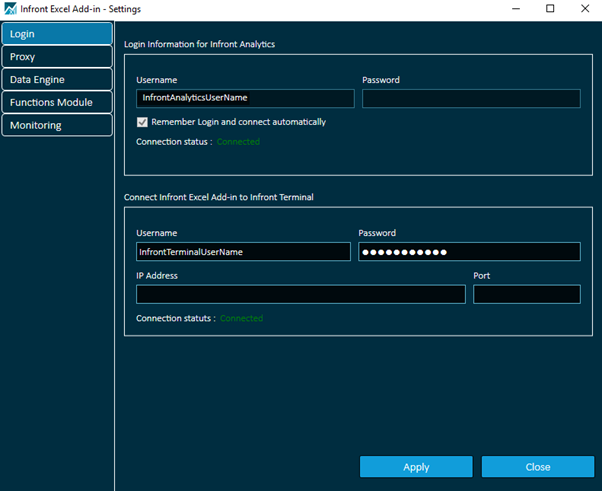
The login tab on the "Settings" window has two sections: one for Infront Analytics credentials and one for Infront Professional Terminal:
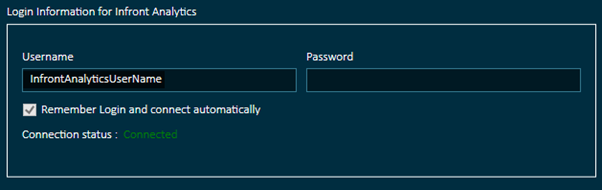
Infront Analytics
This connection is mandatory to be able to use the Excel Add-in and by default, your are connected with your Infront Analytics credentials. Once logged in, you cannot modify the connection credentials.
This connection provides you access to the Infront Analytics data universe (companies, lists, fundamentals, estimates…).
Infront Professional Terminal
In addition to the mandatory default Infront Analytics connection, if your are using the Excel Add-in from Infront Professional Terminal, then you need to connect with your Infront credentials that give you also access to the Infront data universe (Instruments quotes, trading data…).